GCmaker
GCmaker brings part design and manufacturing preparation together for fabrication work. Create tube, pipe, structural-section and plate parts; add sketches, cutouts and end treatments; organize manufacturing operations into setups; and prepare individual-part or flat-plate output for a configured machine. GCnester is the flat-plate portion of GCmaker, sold on its own.
Everything in GCnester, included
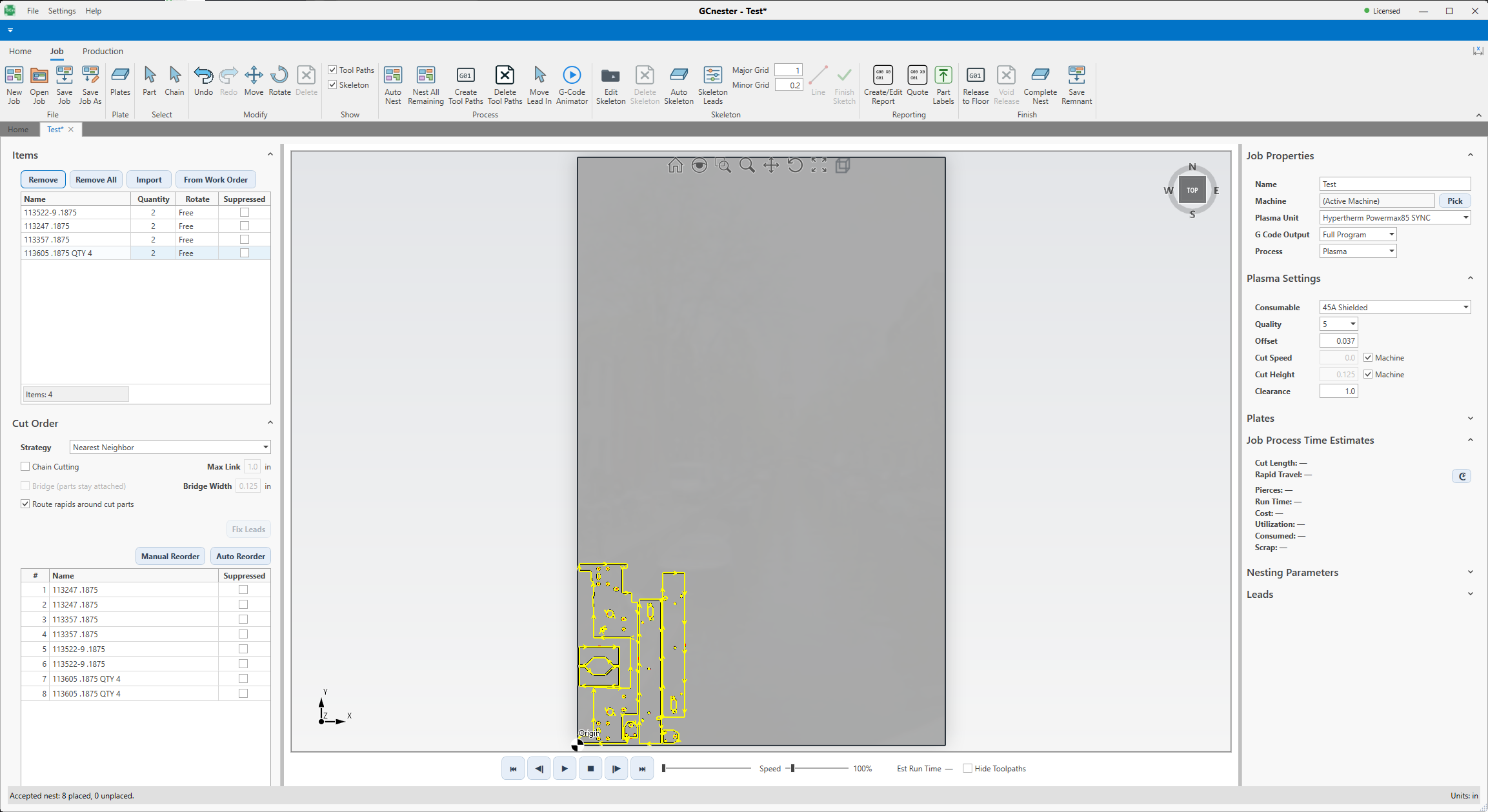
GCmaker contains the same flat-plate nesting sold as GCnester: import and cleanup, true-shape nesting, leads and cut order, playback and estimates, plate inventory and remnants, Sketcher and the Shape Library, reports, quotes and part labels, and the controller post library. The shared flat-plate guides cover these workflows in both programs.
Model the part, then prepare it for the machine
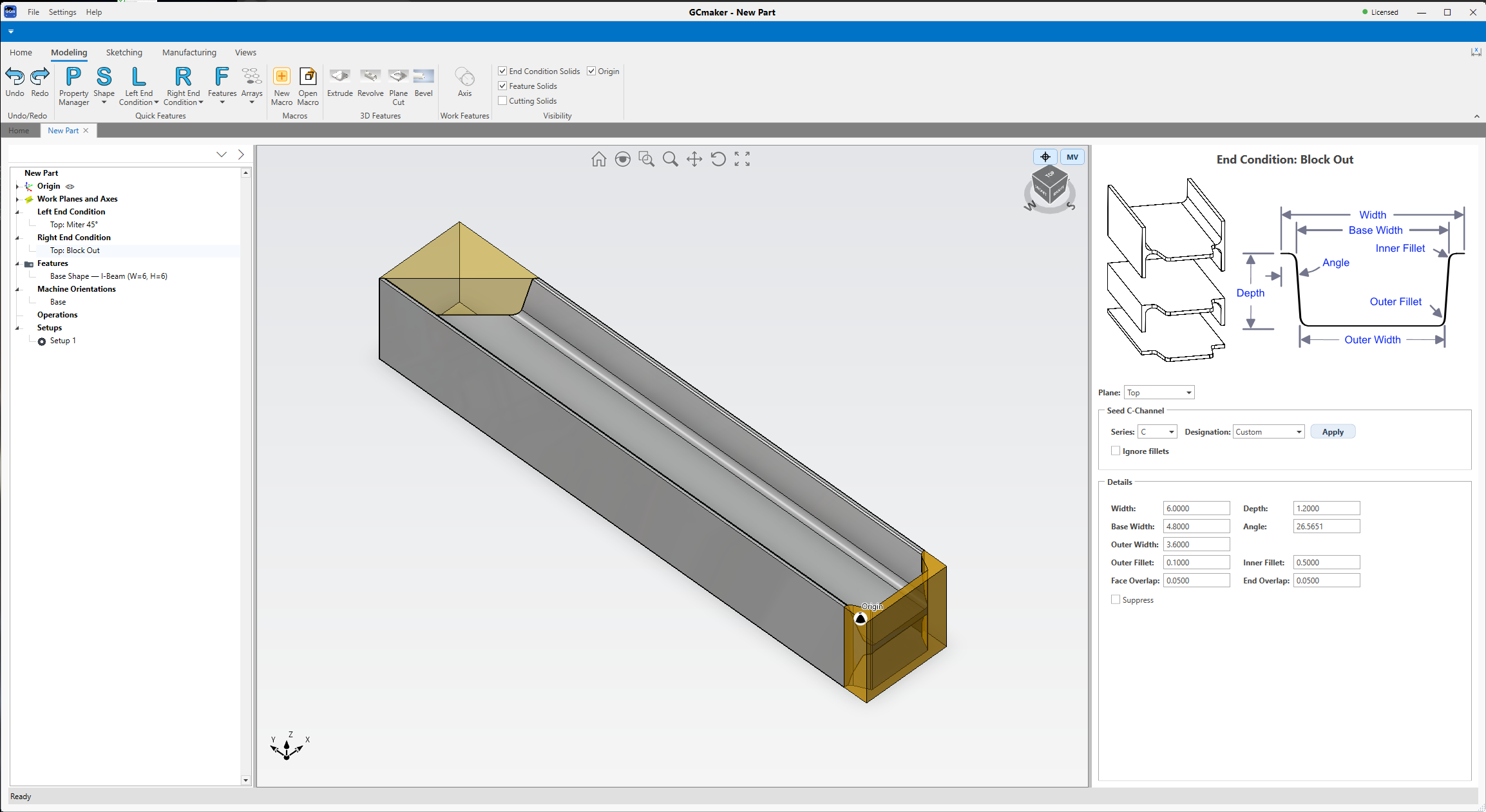
Start from parametric shapes for round tube and pipe, rectangular tube, angle, channel, I-beam, polygon tube, pole and flat stock, or from an imported STEP, IGES or NC1 file. Add holes, slots, cutouts, text and mark geometry, arrays and end treatments. Sketches carry dimensions and constraints, and the feature history stays editable.
One set of operations, prepared per machine
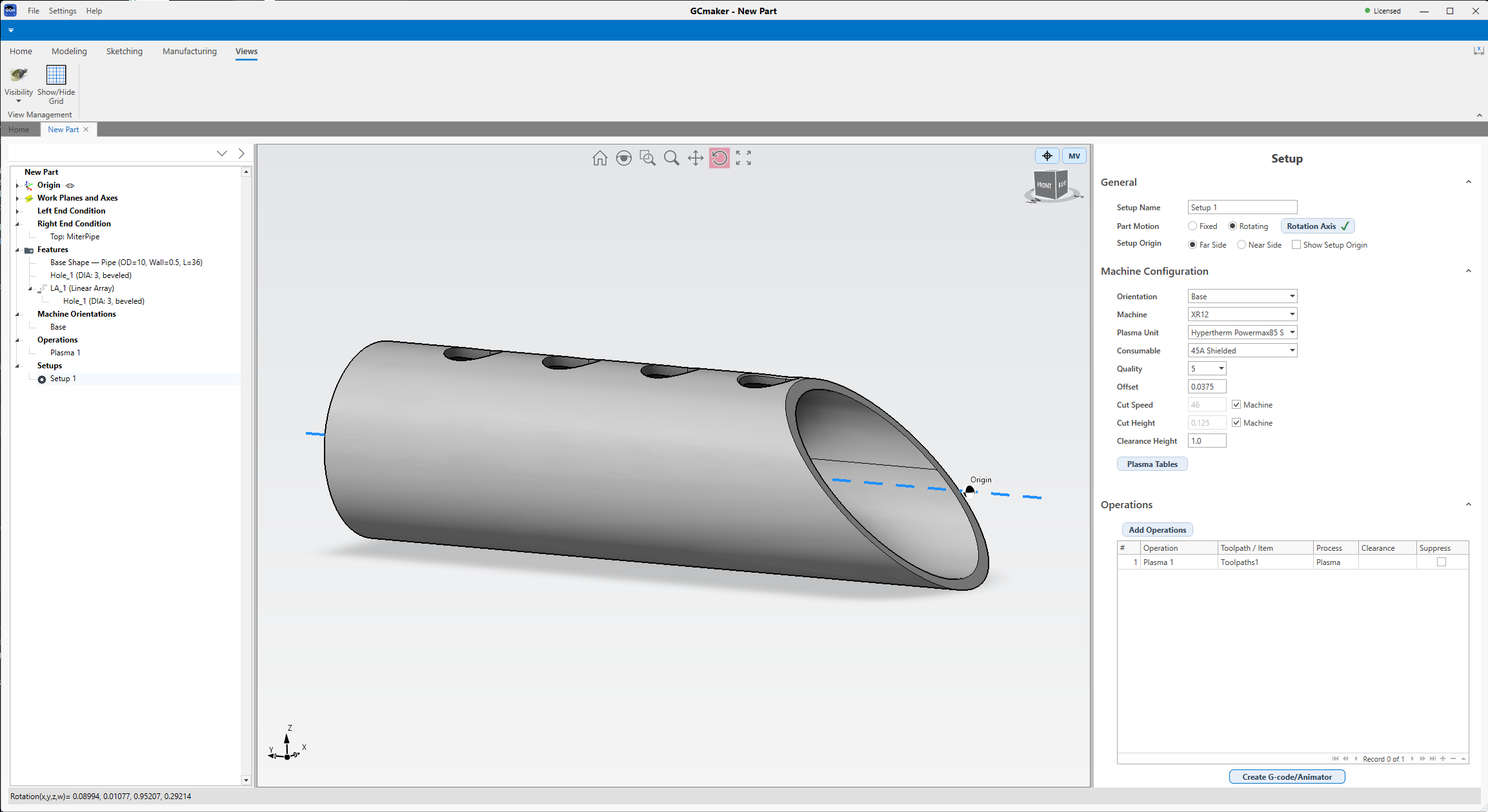
Operations describe what the machine will do to the part. Setups prepare those same operations for a particular machine and holding arrangement: fixed or rotating part motion, orientation and rotation axis, execution order, clearance and origin.
Watch the program before the machine runs it
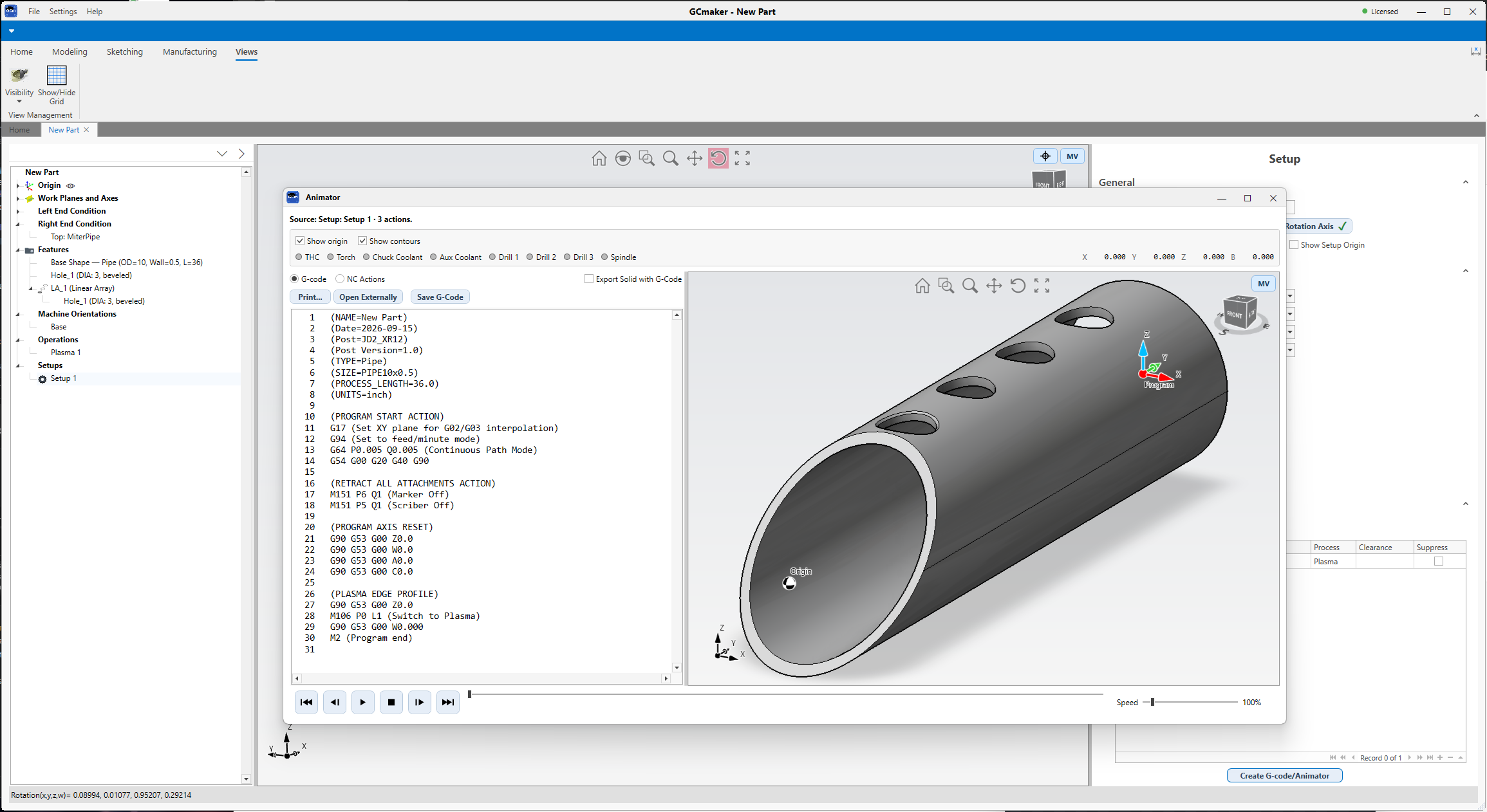
Create G-code/Animator in the Setup editor plays the setup's motion back next to the program text. Step through it, check the sequence and any programmed holds, and inspect collision warnings from the tool-against-part check. It's a picture of the program, not a live connection to the controller, and it can't confirm that the real machine, fixtures and stock match what's on screen.
With your JD Squared machine, or on a plan
New JD Squared XR Series machines come with a GCmaker license. You receive a license key with the machine; log in here with your email and enter it on your License page to unlock downloads, support tickets and the forum.
Everyone else, including later owners of a JD Squared machine, can subscribe to GCmaker on a monthly or annual plan.