GCnester
GCnester is flat plate nesting and CAM for CNC plasma, laser and waterjet tables. Import the part, nest it on a sheet, set the cut path, watch it in simulation and export G-code for your controller. Built for job shops, sign makers, fab shops and serious hobbyists who need the work done.
Start from the file you already have
Bring in DXF, DWG or SVG, flat profiles from saved GCmaker parts, or planar faces from STEP and IGES models. Clean small gaps and duplicate geometry before nesting, then assign each contour to cutting, marking or ignore.
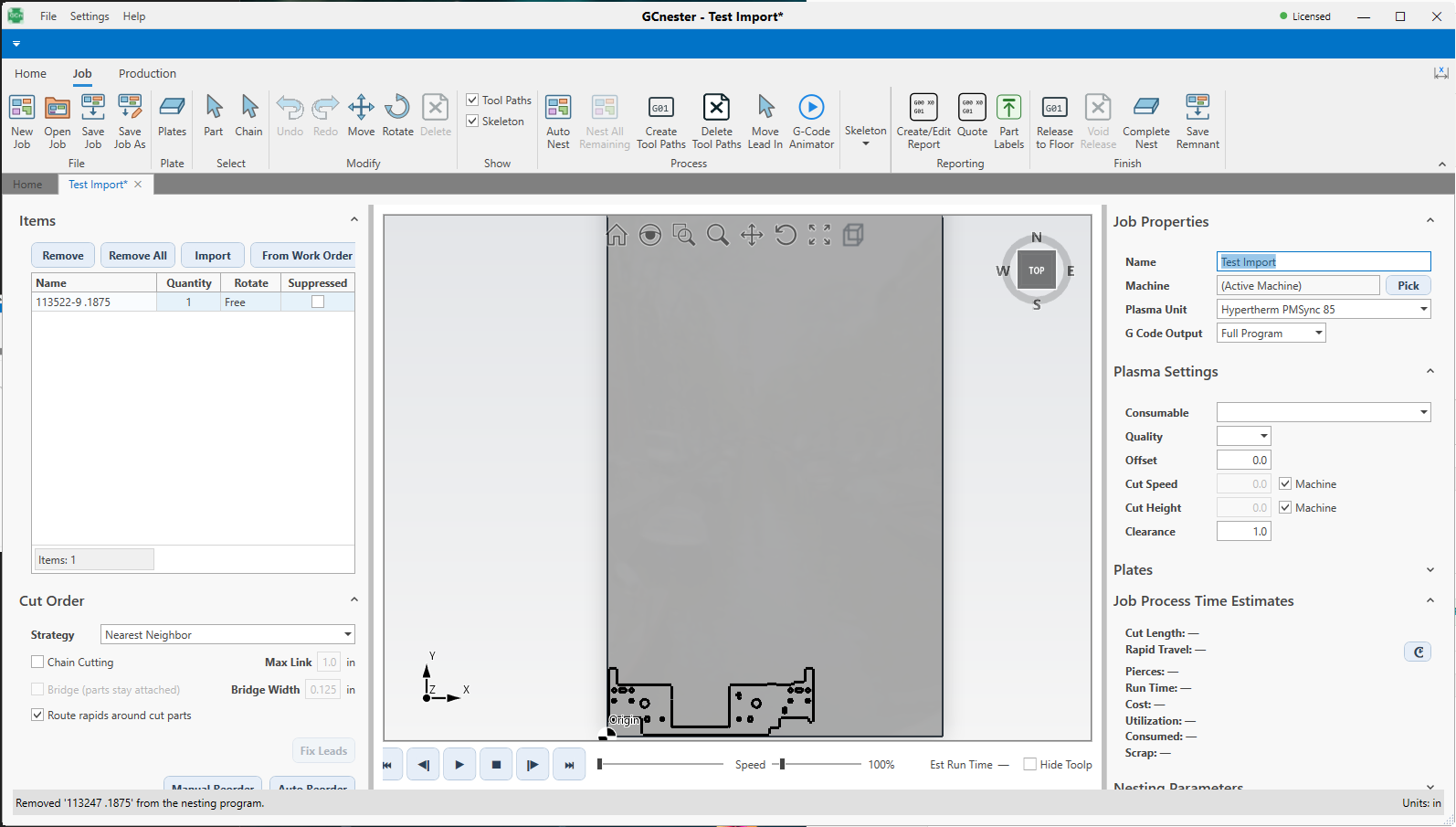
Fit more parts on every sheet
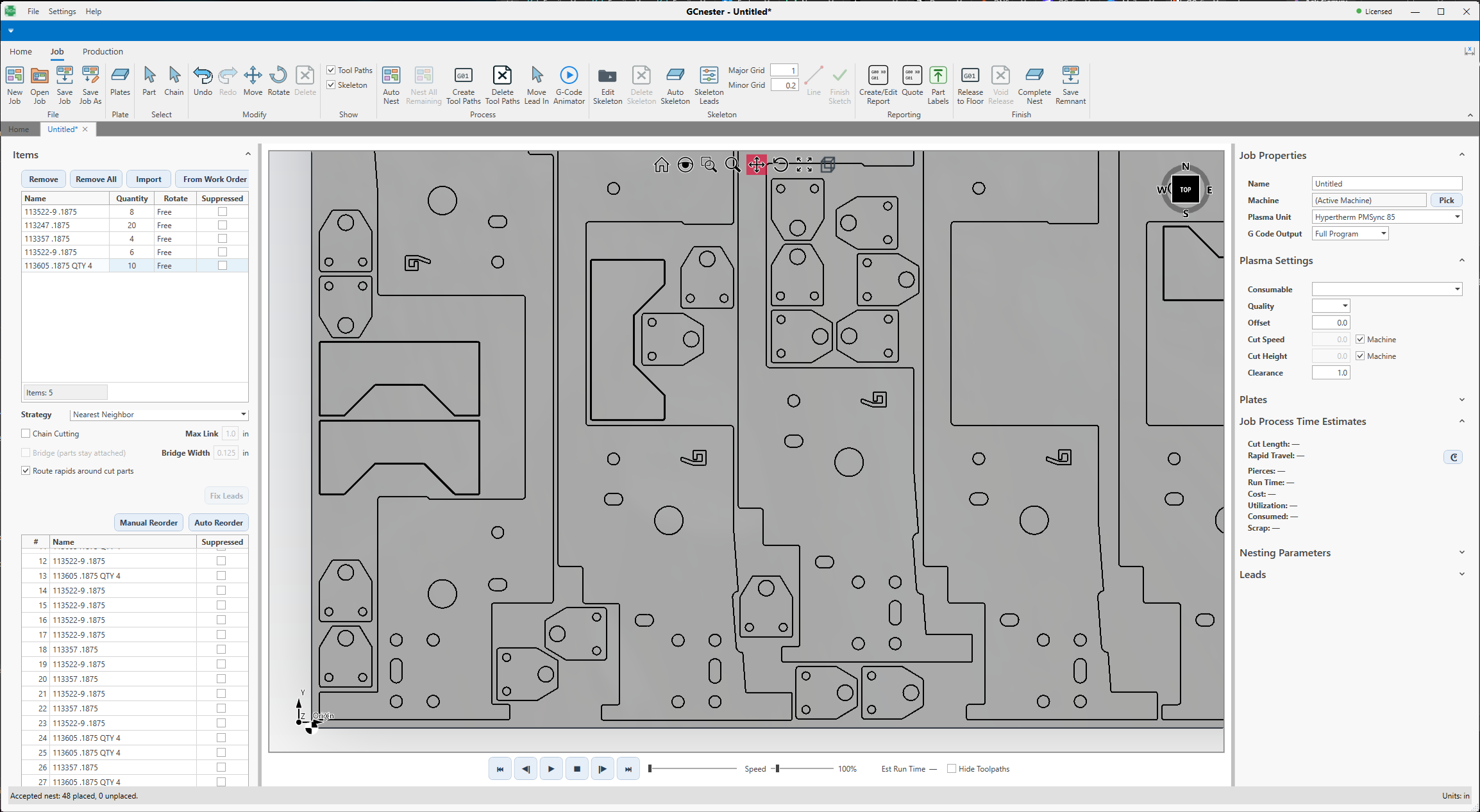
True-shape automatic nesting packs the sheet; drag, rotate and delete by hand when you know better. Set each part's allowed rotation, and let remaining quantity spill onto the next sheet.
Leads, kerf and cut order, handled
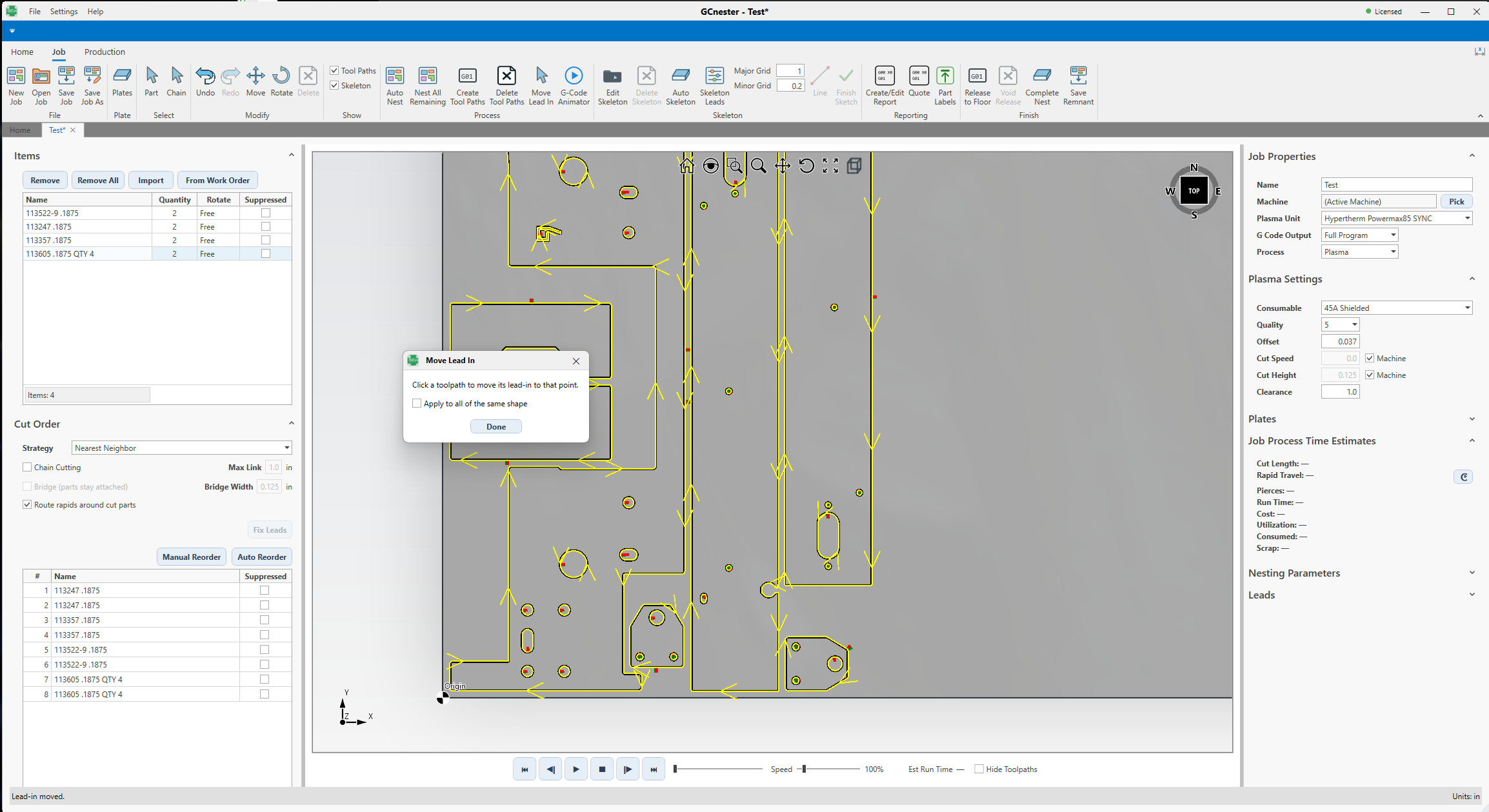
One lead editor for the whole program sets lead-in, lead-out, kerf and overcut. Sequence cuts automatically or drag them into the order you want, and add skeleton cuts so the drop falls apart on the table.
See the cut before the table does
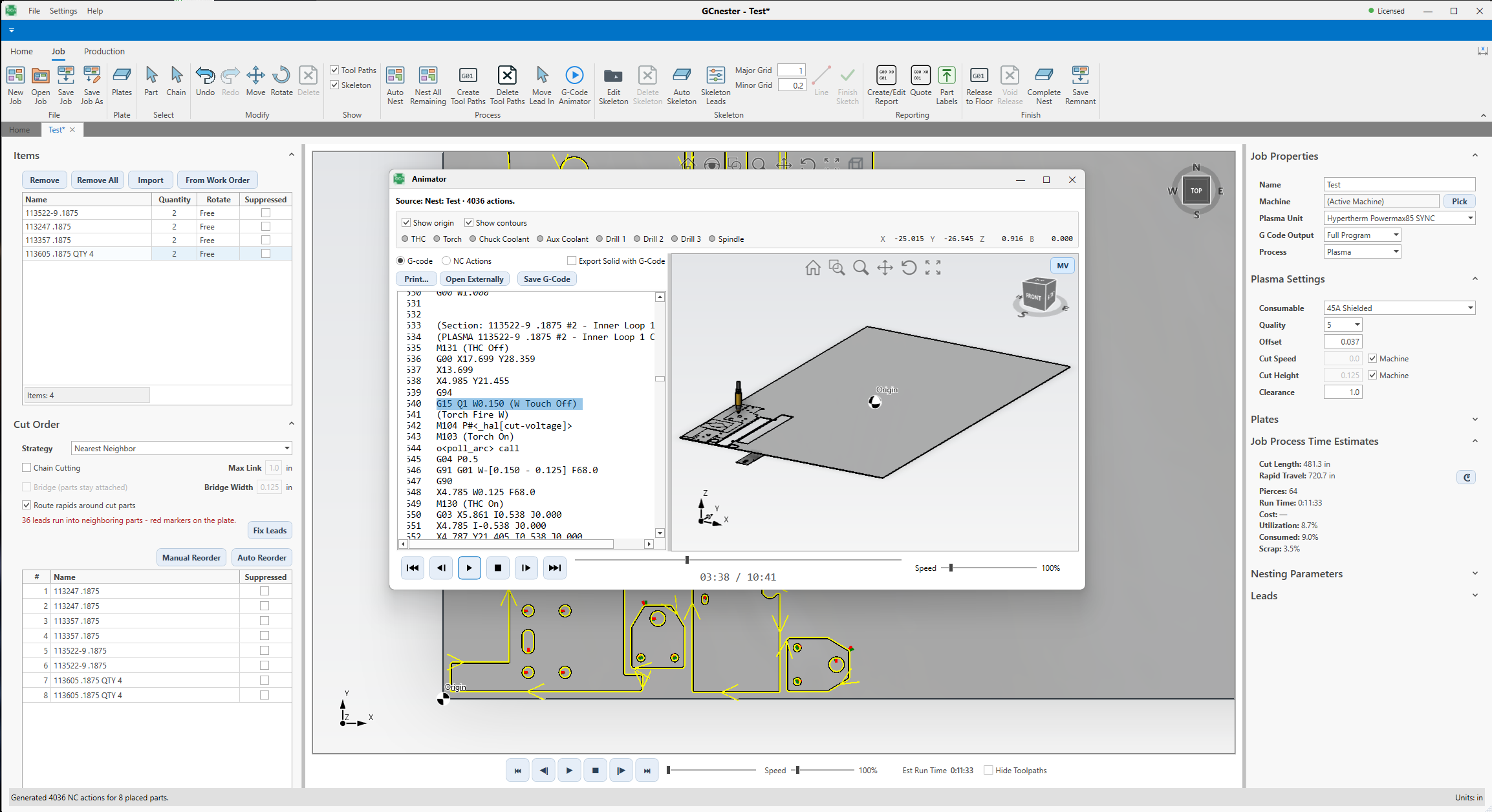
Play the nest back from the posted G-code, watch parts drop and the skeleton web thin out, and read the estimated run time and cost off the same screen. Estimates come from your configured material, machine, motion, pierce and rate data.
Run the shop from the nest
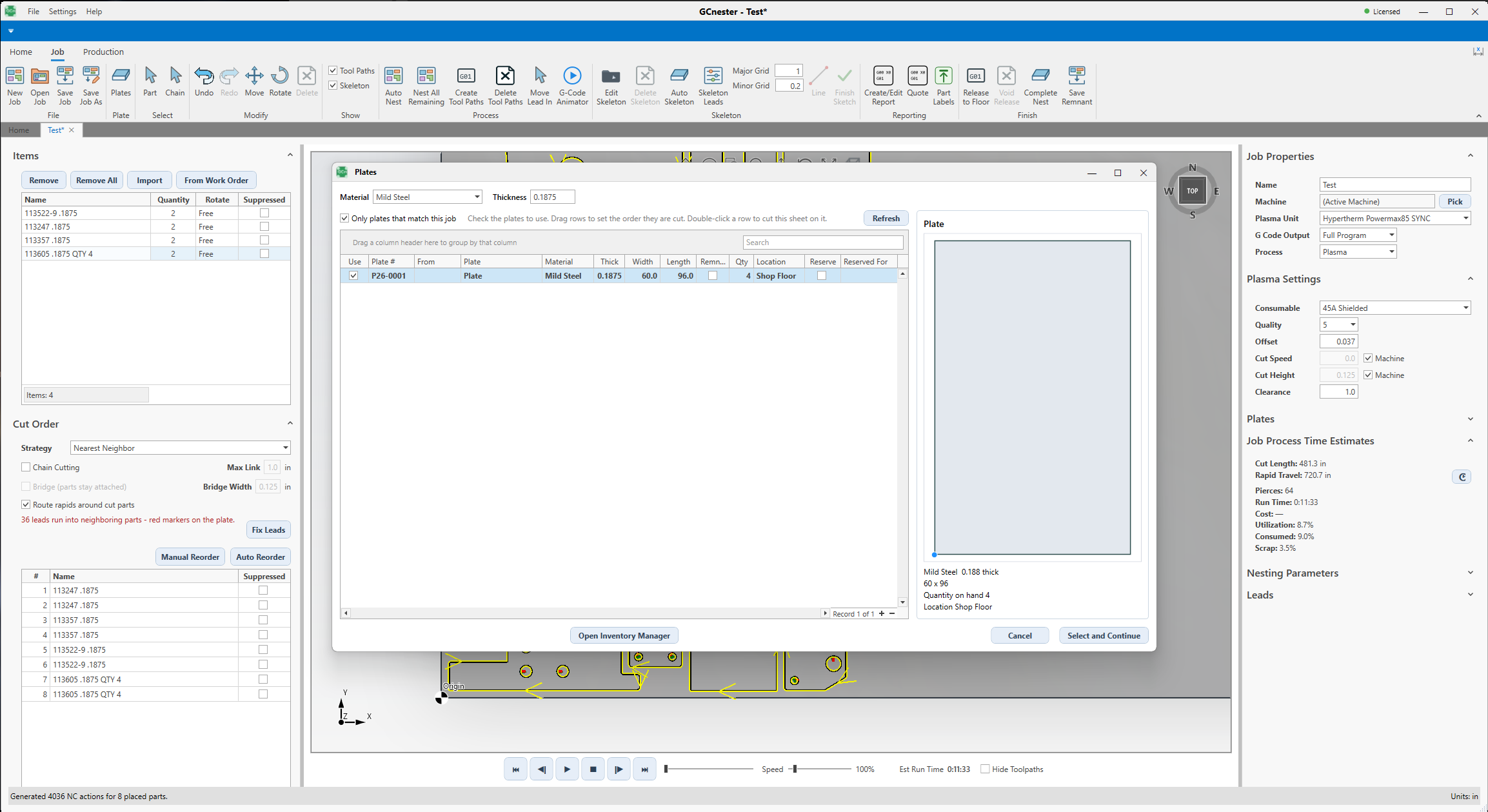
Start nests from work orders, pull plates from inventory with remnants and smaller stock preferred by default, save reusable remnants after cutting, and print a setup sheet for every job. A shared data folder lets several operators work the same jobs.
Talks to the machine you already own
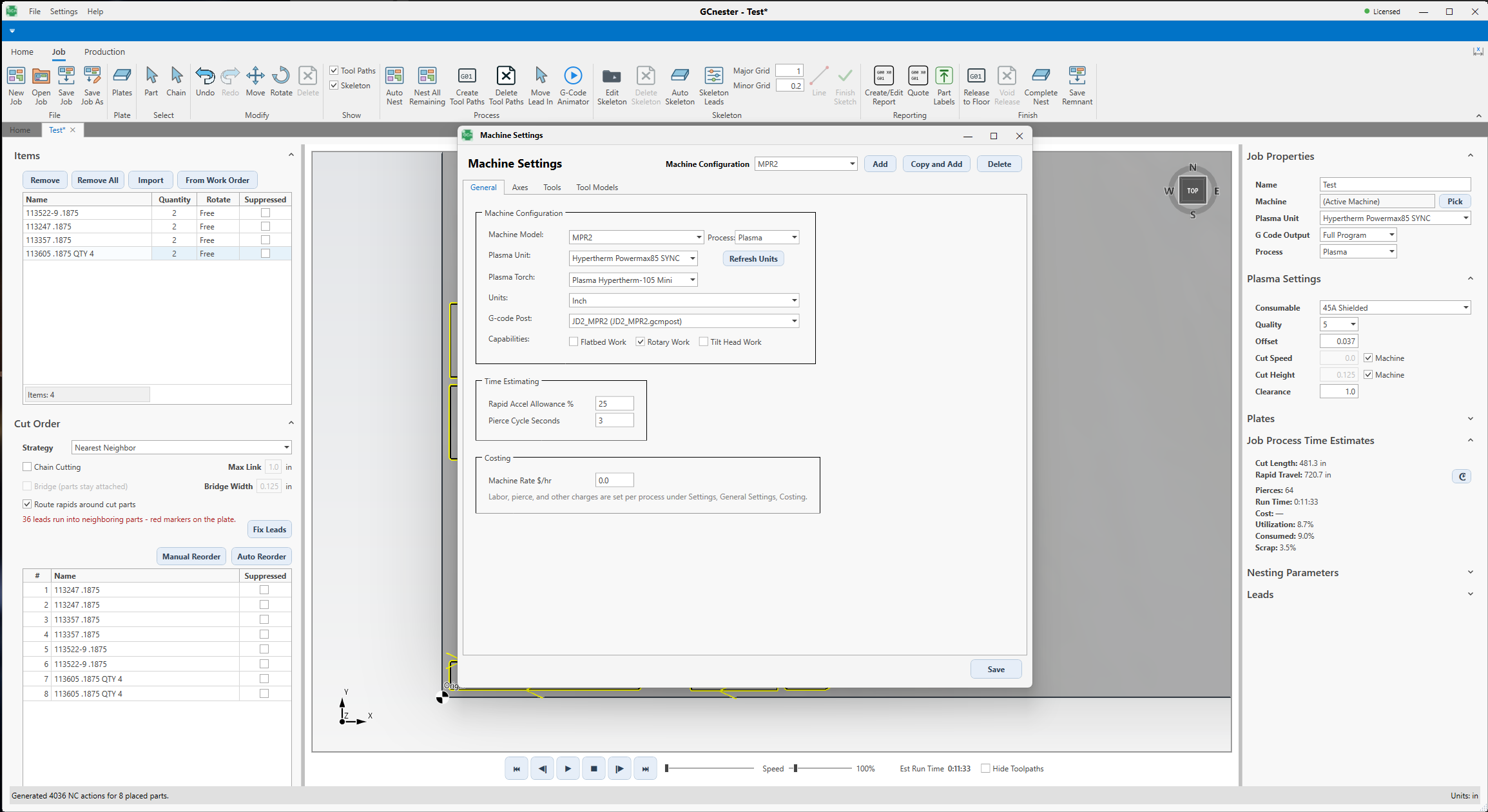
A library of controller-specific post templates ships in the box: plasma, laser and waterjet controllers, including the JD2 XR12 and MPR2. Cut charts hold your settings per material and thickness. We can't test every controller, so run a test cut on your own machine before production. If there is no template for your controller, ask and we will look at adding one.